Plain-language control
Users describe motion in one sentence instead of configuring model parameters or editing keyframes.
Product case study Picto.Video
Redsprint designed and built Picto.Video, a browser-based AI image-to-video product. Upload a photo, logo, flyer or drawing, describe what should move, and receive a short downloadable video in minutes.
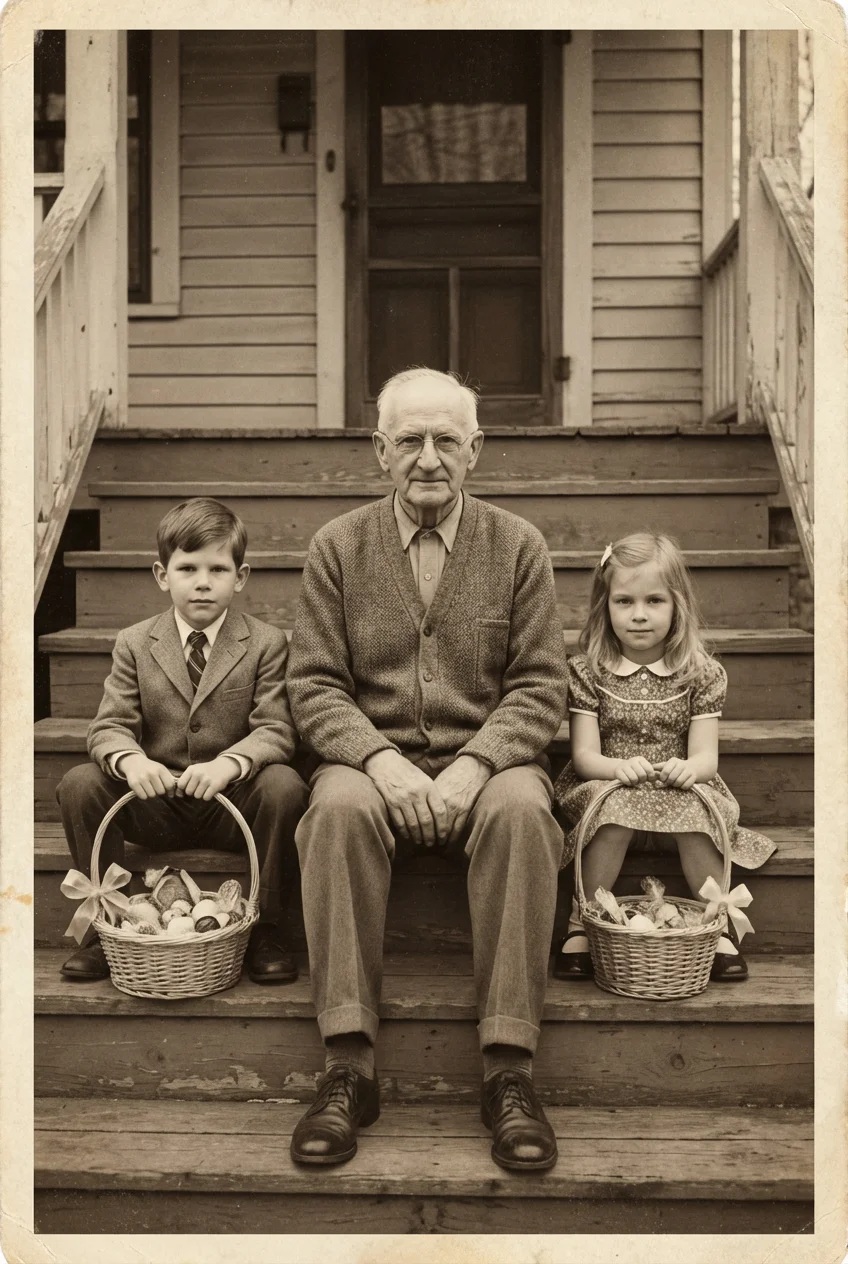
 Still image
Image-to-video models could already create convincing motion, but using them often meant choosing technical settings, learning unfamiliar tools or committing to another subscription. That excluded the people who simply wanted to make a family photo smile, give a logo a polished reveal or turn a flyer into a social clip.
We built Picto.Video around one deliberately narrow interaction: choose an image, explain the motion in ordinary language, and generate. The complexity stays behind the interface. The user sees a clear path from a static image to a downloadable result.
Users describe motion in one sentence instead of configuring model parameters or editing keyframes.
Real before-and-after examples show the source image, generated clip and exact prompt together.
Credit-based pricing starts at $1, avoiding a recurring subscription for an occasional creative task.
Photos, memorials, logos, drawings, flyers and product images each receive relevant examples and guidance.
A photo, logo, scanned drawing, flyer or product shot.
A short prompt tells the subject, camera or environment how to move.
The job runs asynchronously while the product keeps progress and state clear.
The completed MP4 is ready to save, publish or share.
Real product output

Video generation takes time. The product preserves job state, reports progress clearly and lets users return to finished work.
Uploads and prompts pass through a content-safety workflow before expensive generation begins.
Source images and generated videos remain in the user’s private gallery with controls to delete them.
Localized product pages help people discover the right workflow in their own language while sharing one application.
Live product
Upload a photo, describe the motion and create a short video directly in your browser.
Try Picto.Video